Export Engine Benchmarks
MODULE: RENDER_PIPELINE // HARDWARE: GPU ACCELERATED
An editor's time is their most valuable asset. Time spent waiting for a render bar is time lost. The modern NLE must squeeze every ounce of compute power from the host machine's CPU and GPU, balancing decoding (reading the source media) with encoding (writing the final output file).
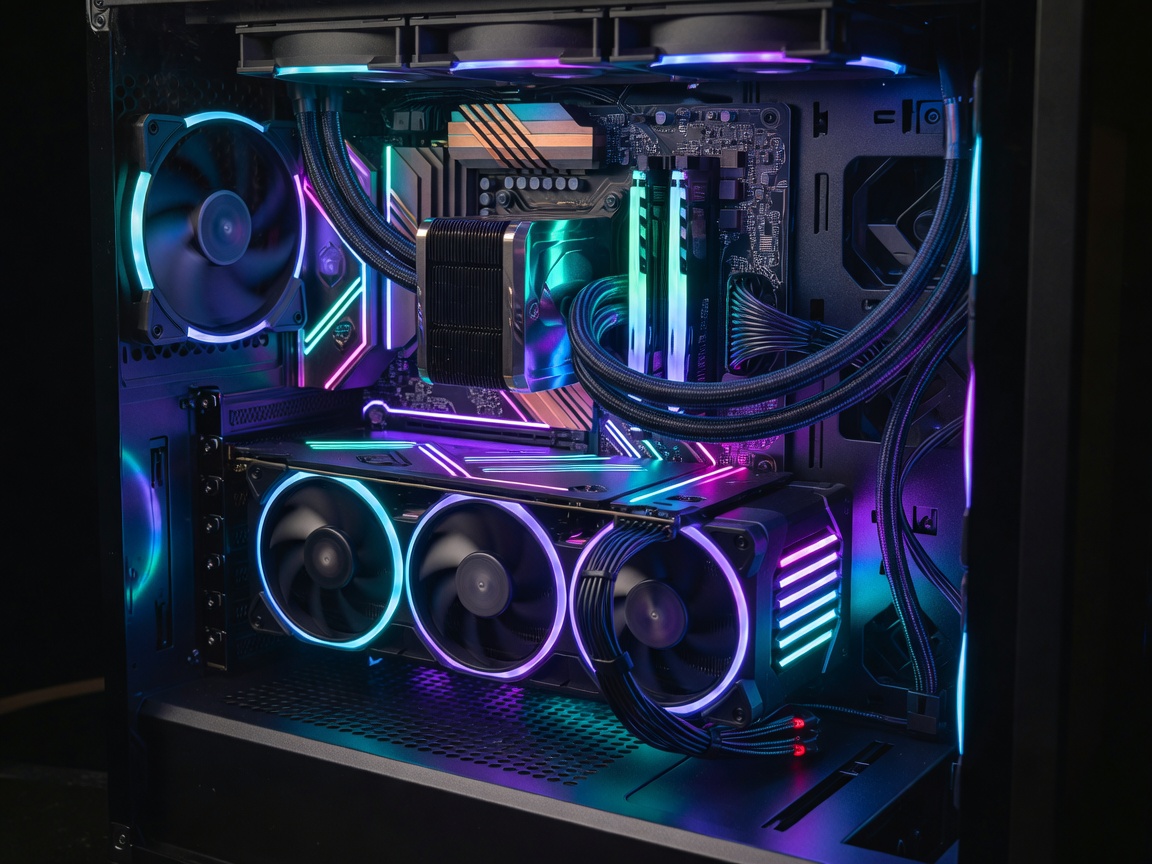
Hardware Acceleration Protocols
Decoding heavy interframe codecs (like H.264 and H.265/HEVC) traditionally chokes a standard CPU. The solution lies in hardware-accelerated decoding. NLEs tap into specific silicon architectures to offload this math.
- CUDA / OptiX: Nvidia's proprietary computing platforms, highly optimized in Premiere Pro and DaVinci Resolve.
- Metal: Apple's graphics API. Final Cut Pro utilizes Metal exclusively, giving it unparalleled efficiency on macOS.
- QuickSync: Intel's hardware video encoding/decoding core, widely supported across all major NLEs on Windows.
Codec Efficiency
Intraframe codecs (ProRes, DNxHR, Cineform) are computationally light but require massive disk bandwidth. Interframe codecs (H.264) require intense computational power to uncompress on the fly. The architectural decision of a render engine dictates how it caches playback. Final Cut Pro's "Background Render" creates ProRes proxy files in real-time during idle moments, whereas Premiere Pro's Mercury Playback Engine relies on dynamic resolution scaling to maintain framerate without caching.
Find Your Optimal NLE Setup